Available Platforms
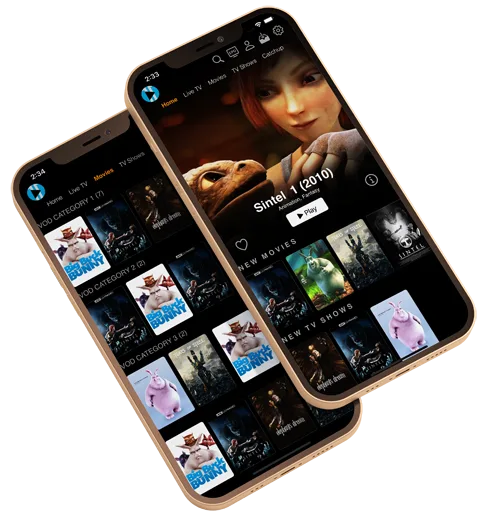
IBO Player is available on virtually every device. One app for your entire entertainment experience.
Smart TV
Available for Samsung, LG, and Android TV. Download IBO Player directly from your TV's app store for a big-screen experience.
Setup GuideAndroid
Install IBO Player from the Google Play Store on Android phones, tablets, and Android TV boxes. Supports Android 5.0 and above.
Setup GuideiOS
Download IBO Player from the Apple App Store for iPhone and iPad. Stream your favorite channels anywhere on the go.
Setup GuideFire Stick
Find IBO Player in the Amazon Appstore for Fire Stick and Fire TV. Transform your TV into a premium IPTV entertainment center.
Setup GuideWindows
Get IBO Player from the Microsoft Store or the official website. Enjoy Wiztream IPTV on your desktop or laptop computer.
Setup GuidemacOS
Download IBO Player for macOS from the official website. Compatible with macOS 10.14 Mojave and later versions.
Setup GuideQuick Installation
Get started in 4 easy steps.
Download IBO Player
Find IBO Player on your device's app store and install it.
Enter Your Credentials
Open the app and enter the login details provided after your Wiztream subscription.
Load Your Channels
Wait for the playlist to sync. All 40,000+ channels will appear organized by category.
Start Streaming
Browse, select, and enjoy premium IPTV content in HD and 4K quality.