What is IBO Player?
IBO Player is a versatile IPTV media player available on virtually every platform and operating system. Known for its intuitive user interface, smooth playback, and comprehensive feature set, IBO Player is the recommended application for accessing your Wiztream IPTV subscription.
The app supports live TV, video on demand, catch-up TV, and Electronic Program Guide (EPG) integration -- everything you need for a complete streaming experience.
Supported Devices
- Smart TVs: Samsung, LG, Android TV
- Streaming Devices: Amazon Fire Stick, Fire TV, Roku
- Mobile: iOS (iPhone, iPad), Android phones and tablets
- Desktop: Windows PC, macOS
Step-by-Step Installation
Download IBO Player
Open your device's app store and search for "IBO Player." Download and install the application. It is available on Google Play Store, Apple App Store, LG Content Store, Samsung Smart TV Apps, and Amazon Appstore.
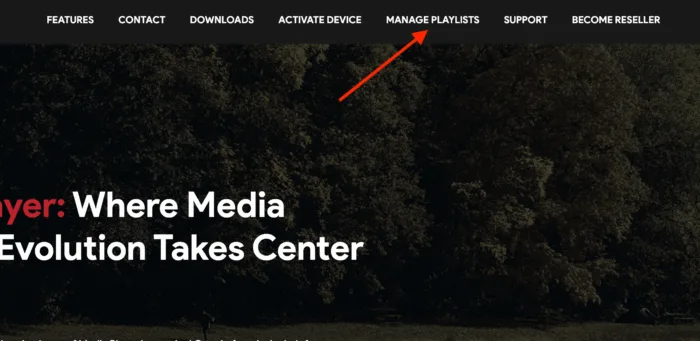
Open the App & Note Your Device ID
Launch IBO Player on your device. On the initial screen, you will see a device ID or MAC address. Note this information -- you may need it to activate your subscription.
Add Your Wiztream Playlist
Navigate to the "Add Playlist" section within IBO Player. Enter the credentials provided by Wiztream after your subscription: your username, password, and portal URL. For M3U connections, paste the M3U URL provided in your activation email.
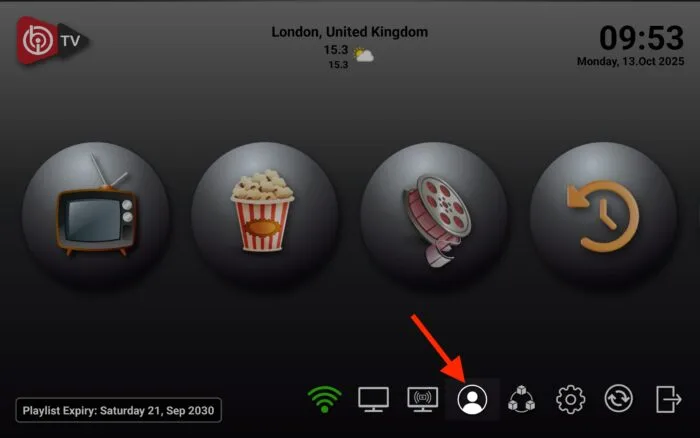
Wait for Channels to Load
Once your credentials are entered, IBO Player will connect to the Wiztream servers and load your complete channel lineup. This may take 30-60 seconds on first load. All 40,000+ live channels and VOD content will appear organized by category.
Start Watching
Browse through the channel categories, select any channel or VOD title, and enjoy your premium Wiztream IPTV experience. Use the built-in EPG to see what is currently airing and upcoming programs.
Device-Specific Guides
Amazon Fire Stick / Fire TV
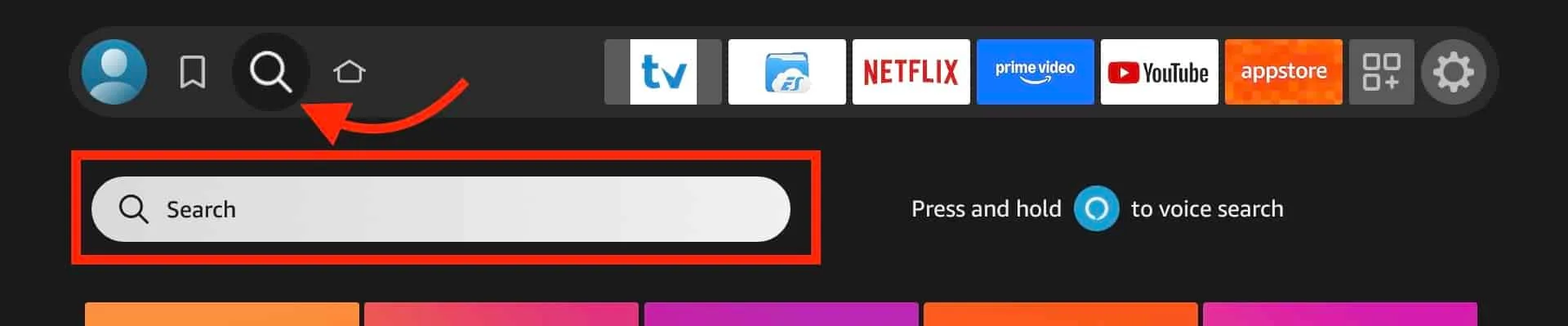
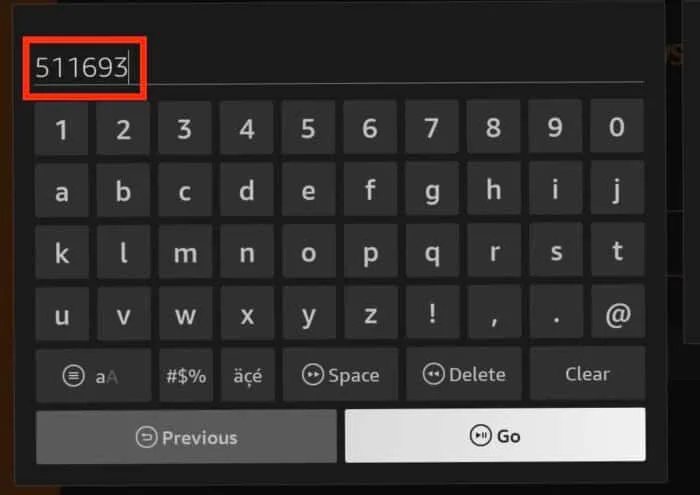
Search for "IBO Player" in the Amazon Appstore, or sideload the APK from the official website. Once installed, open the app and follow the standard setup steps above.
Android TV & Android Boxes
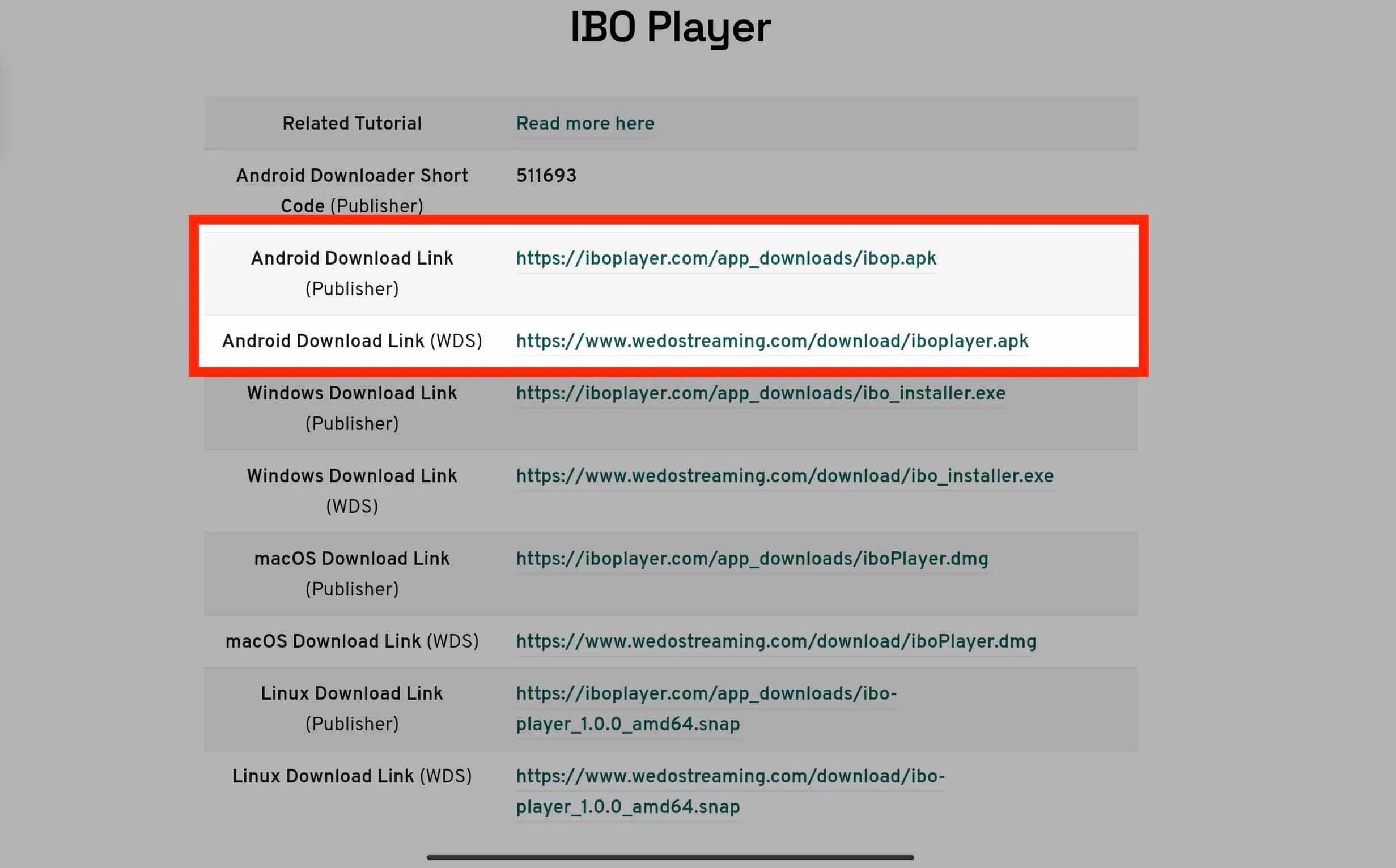
Download IBO Player from the Google Play Store on your Android TV or box. The installation and setup process is identical to the standard steps.
Samsung & LG Smart TVs
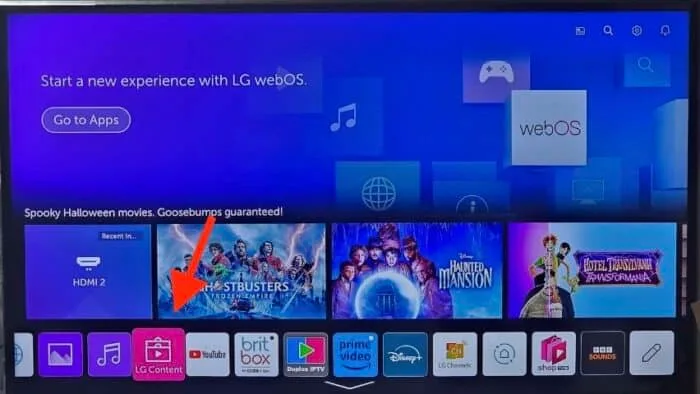
For Samsung TVs, search for IBO Player in the Samsung App Store. For LG TVs, find it in the LG Content Store. Some older TV models may require using the Smart STB app instead.
Windows & macOS
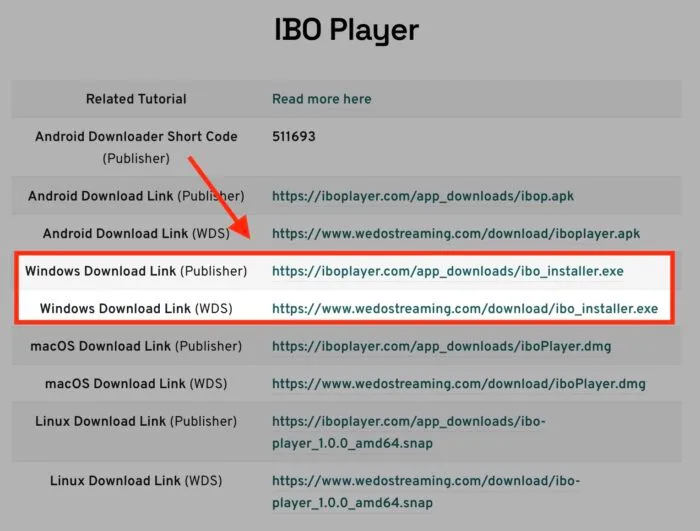
Download IBO Player from the Microsoft Store (Windows) or the official website for macOS. Enter your Wiztream credentials and start streaming on your desktop or laptop.
Troubleshooting
- Buffering: Ensure your internet speed is at least 10 Mbps. Use a wired connection when possible. Restart your router.
- Channels not loading: Double-check your credentials. Ensure your subscription is active. Clear the app cache and retry.
- App crashing: Update IBO Player to the latest version. Restart your device. Reinstall the app if needed.
- Audio/Video sync issues: Switch between hardware and software decoding in IBO Player settings.
Need further assistance? Contact our 24/7 support team via email or WhatsApp for immediate help.